WhatsApp Integration
PingCRM connects to WhatsApp over the WhatsApp Web protocol through a Node.js sidecar service that runs whatsapp-web.js. It reads your personal chat history and contact names.
Architecture
Unlike the other integrations, WhatsApp does not run inside the Python backend. A separate Node.js service (the "sidecar") manages the WhatsApp Web sessions. The backend talks to the sidecar over HTTP and receives events through HMAC-signed webhooks.
Browser → Backend API → Sidecar (whatsapp-web.js) → WhatsApp servers
                    ←── Webhooks (message events) ←──
Authentication
WhatsApp authenticates by linking a new device via QR code:
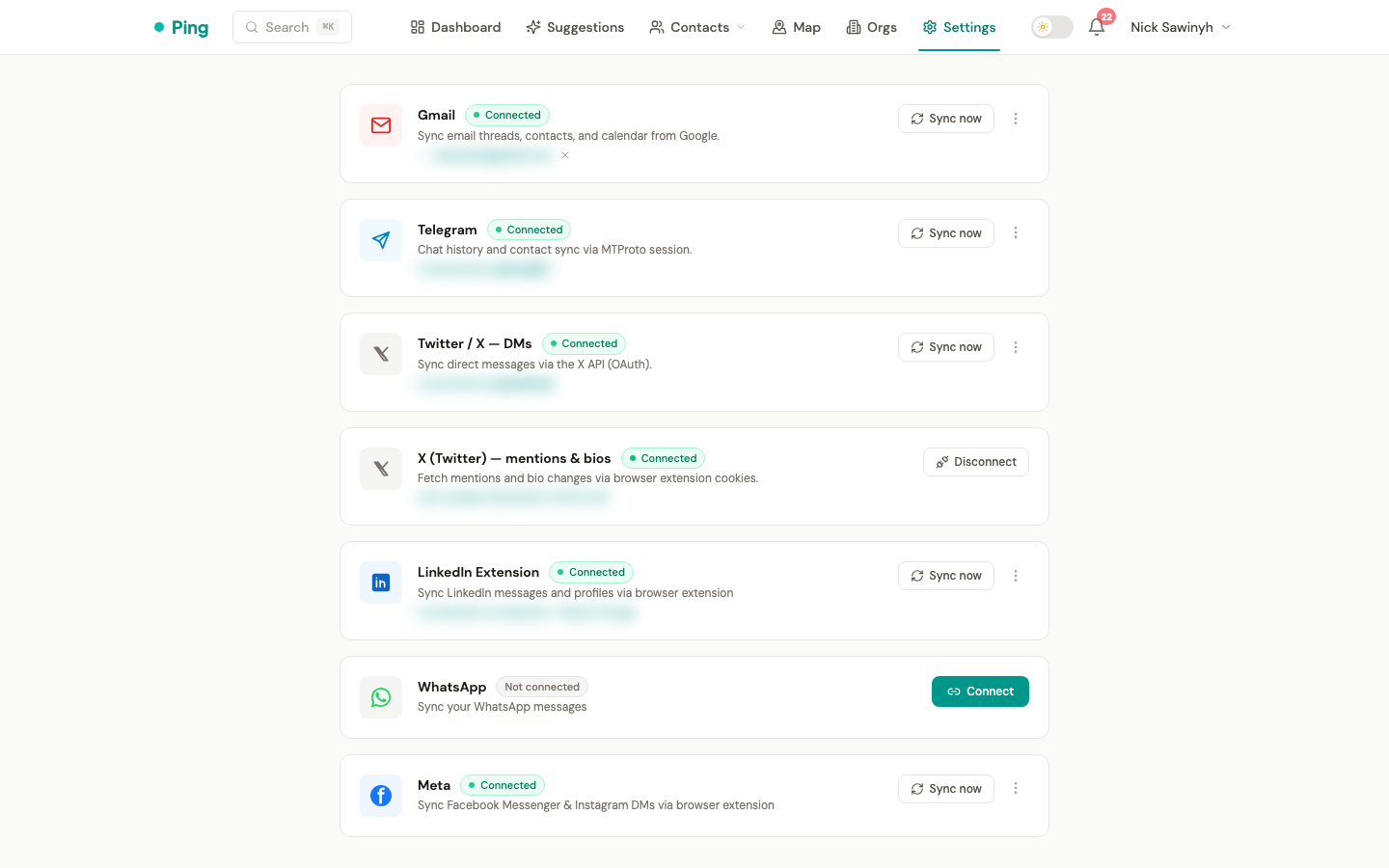
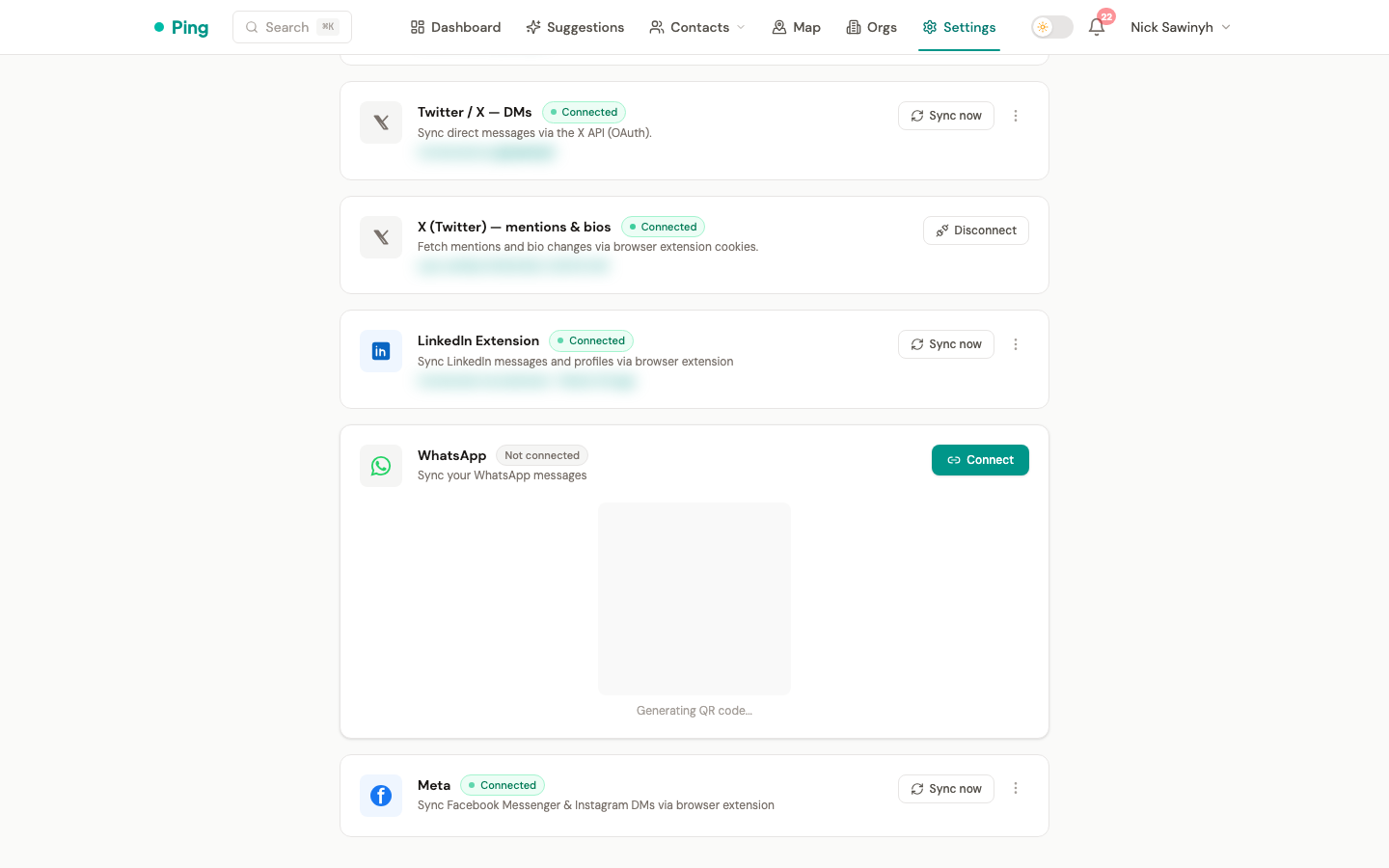
- Click Connect on the WhatsApp card in Settings > Integrations.
- A QR code appears inline. Scan it with your phone (WhatsApp > Settings > Linked Devices > Link a Device).
- Once you scan it, the session is established and survives restarts.
A session ends if you remove the linked device from your phone or WhatsApp revokes it. PingCRM runs a daily health check and notifies you when a session has disconnected.
If the sidecar fails to start the WhatsApp Web client (for example when Chromium is killed under memory pressure), it logs session initialize failed and clears the session, so the next Connect attempt starts clean.
What Gets Synced
| Data | Source | Frequency |
|---|---|---|
| Direct messages | 1:1 chats | Real time (via webhook) plus a 30-day backfill on connect |
| Contact name | WhatsApp profile | During message sync |
Not synced
- Group messages
- Media attachments (photos, videos, documents)
- Read receipts / online status
- Voice/video calls
Message Sync
Real-time
Once connected, the sidecar forwards messages to the backend through webhook events as they arrive. Only text messages (type: "chat") are processed, and media messages are skipped.
Initial backfill
On first connect, PingCRM starts a 30-day backfill of recent message history from all 1:1 chats. The sidecar streams the messages to the backend in webhook batches of 50.
Manual sync
Click "Sync now" on the WhatsApp card in Settings > Integrations to run the same backfill again.
Contact Resolution
For each WhatsApp message, PingCRM matches the remote phone number to an existing contact:
whatsapp_phonefield (exact match on the Contact model)phonesarray (checks if any stored phone number matches)- If no match, a new contact is created with
source: "whatsapp"
Phone numbers are normalized to E.164 format (+1234567890) before matching. WhatsApp JID suffixes (@c.us, @s.whatsapp.net) are stripped automatically.
Session Health
A daily Celery beat task (check_whatsapp_sessions, 01:00 UTC) queries the sidecar to check that every active WhatsApp session is still connected. For a session that has died, PingCRM sets the user's whatsapp_connected flag to false and creates a "WhatsApp session disconnected" notification asking you to reconnect.
Disconnecting
Open the kebab menu on the WhatsApp card in Settings > Integrations and choose Disconnect WhatsApp. This:
- Destroys the in-memory sidecar session and shuts down its browser. Stored on-disk auth data under
/data/sessionsis not deleted. - Clears the user's WhatsApp connection fields.
- Keeps synced interactions and contacts.
Deployment
The sidecar runs as a separate Docker container (whatsapp-sidecar) next to the backend. It is defined in docker-compose.prod.yml, which sets shm_size: '2gb' for the browser. It needs:
- Chromium: whatsapp-web.js uses Puppeteer to run the WhatsApp Web client. The sidecar image installs it.
- A persistent volume: session auth data lives on disk at
/data/sessionsso sessions survive container restarts. - Environment variables on the sidecar:
WEBHOOK_URL: the backend webhook endpoint (for examplehttp://backend:8000/api/v1/webhooks/whatsapp)WEBHOOK_SECRET: the shared HMAC signing secret for webhook authenticationSESSION_DIR: the session storage directory
- Environment variables on the backend:
WHATSAPP_SIDECAR_URL(the sidecar address) andWHATSAPP_WEBHOOK_SECRET, which must equal the sidecar'sWEBHOOK_SECRET. Indocker-compose.prod.ymlboth come fromWHATSAPP_WEBHOOK_SECRETin your.env.
Security
- Webhook authentication: every sidecar-to-backend webhook call carries an
X-Webhook-Signatureheader (HMAC-SHA256). The backend verifies it before processing any event and rejects all webhooks whenWHATSAPP_WEBHOOK_SECRETis not set. - Session isolation: each user's session is stored in a separate directory named after their UUID.
- No phone numbers in logs: the sidecar's message handler logs chat IDs, not phone numbers.
- Unofficial protocol: like the Telegram integration, WhatsApp uses an unofficial client library, so WhatsApp may restrict accounts it detects as automated. PingCRM only reads messages and does not send any.