Notifications
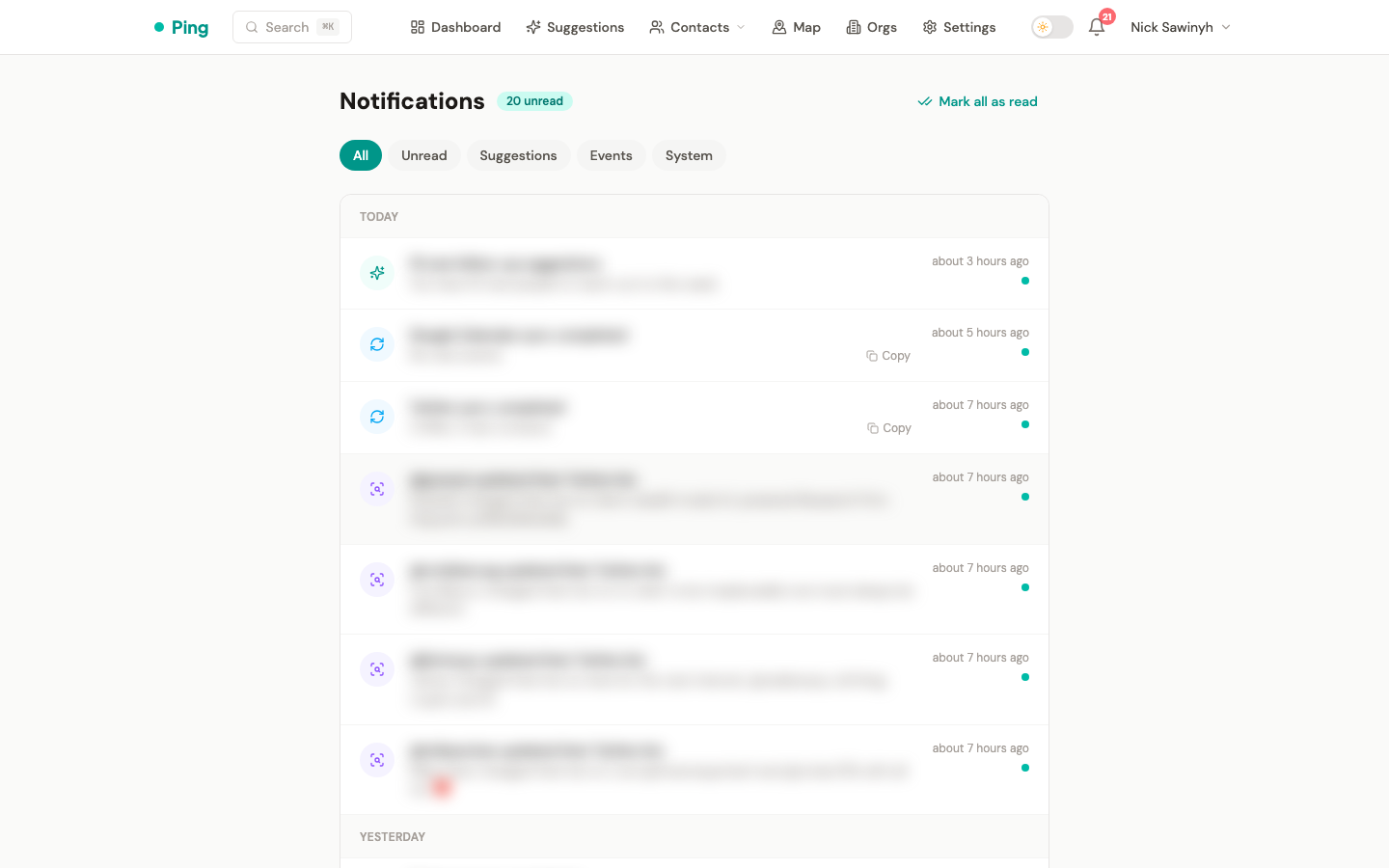
The Notifications page (/notifications) is the feed for sync results, new suggestions, bio changes, and connection problems. The navbar shows an unread badge, which refreshes every minute.
Notification types
PingCRM creates notifications for these events:
- Sync completed: Google Contacts, Google Calendar, Telegram, and Twitter syncs report when they finish, with record counts.
- Sync failed: a sync that still fails after its retries reports the error. Google Contacts and Calendar failures ask you to re-authenticate.
- Account connected or disconnected: connecting a Google, Telegram, or WhatsApp account, disconnecting WhatsApp, or losing the WhatsApp session.
- New suggestions: the follow-up engine produced new outreach suggestions.
- Bio changes: a monitored Twitter or Telegram contact changed their bio, which often signals a job change or a new project.
- Auto-tagging: an LLM tagging run finished, finished with issues, or failed.
- Connection expired: the Twitter OAuth token expired and could not be refreshed, or the X cookies from the extension expired.
- Telegram rate limit: Telegram rejected a send because of a rate limit.
- Twitter problems: repeated failures fetching Twitter profiles, or mention and reply sync unavailable because the bird CLI is not installed on the server.
- Meeting prep: Gmail credentials expired, so pre-meeting prep emails cannot be sent until you reconnect Gmail.
Actions
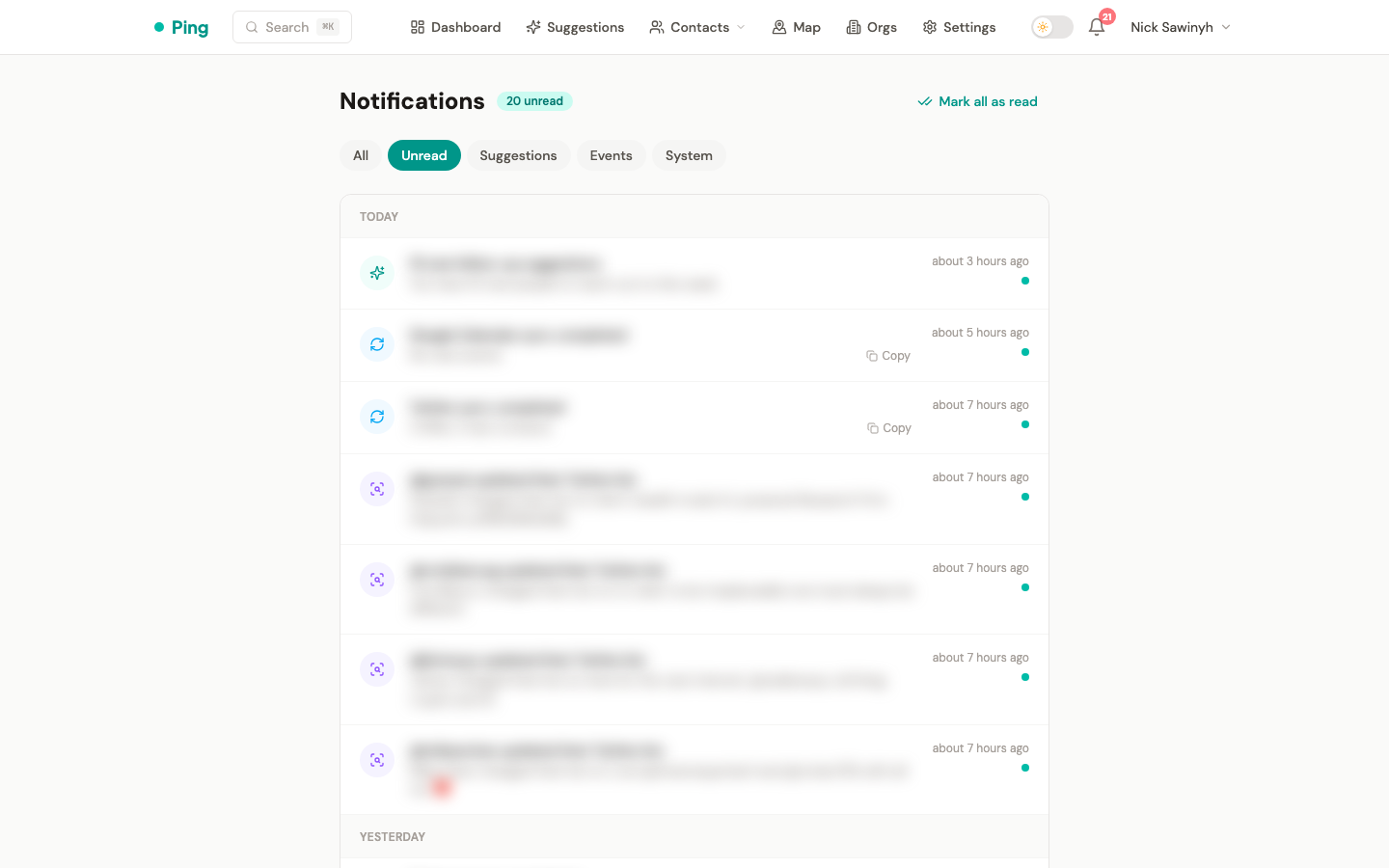
- Mark as read: clicking a notification marks it read.
- Mark all as read: clears the unread count in one action.
- Details: a notification with extra detail text expands on click. Sync and system notifications have a Copy button for pasting an error into a bug report.
- Navigate: a notification without details opens its target on click, and an expanded one shows a link to it. Targets by type:
- Bio change: the contact page
- New suggestions: the suggestions page
- Google Contacts and Calendar sync completed: contacts sorted by recent activity
- Other sync results, connection problems, and rate limits: Settings
- Auto-tagging: the Tags tab in Settings
Filter tabs
| Tab | Shows |
|---|---|
| All | Every notification, read and unread |
| Unread | Notifications not yet marked as read |
| Suggestions | New follow-up suggestions |
| Events | Bio changes and contact events |
| System | Sync results, connection problems, and rate limit alerts |
Auto-tagging notifications and Google re-authentication errors do not fall under Suggestions, Events, or System, so look for them under All or Unread.